
Ableton Live 11 Suite: What 18 Months of Client Work Actually Taught Me
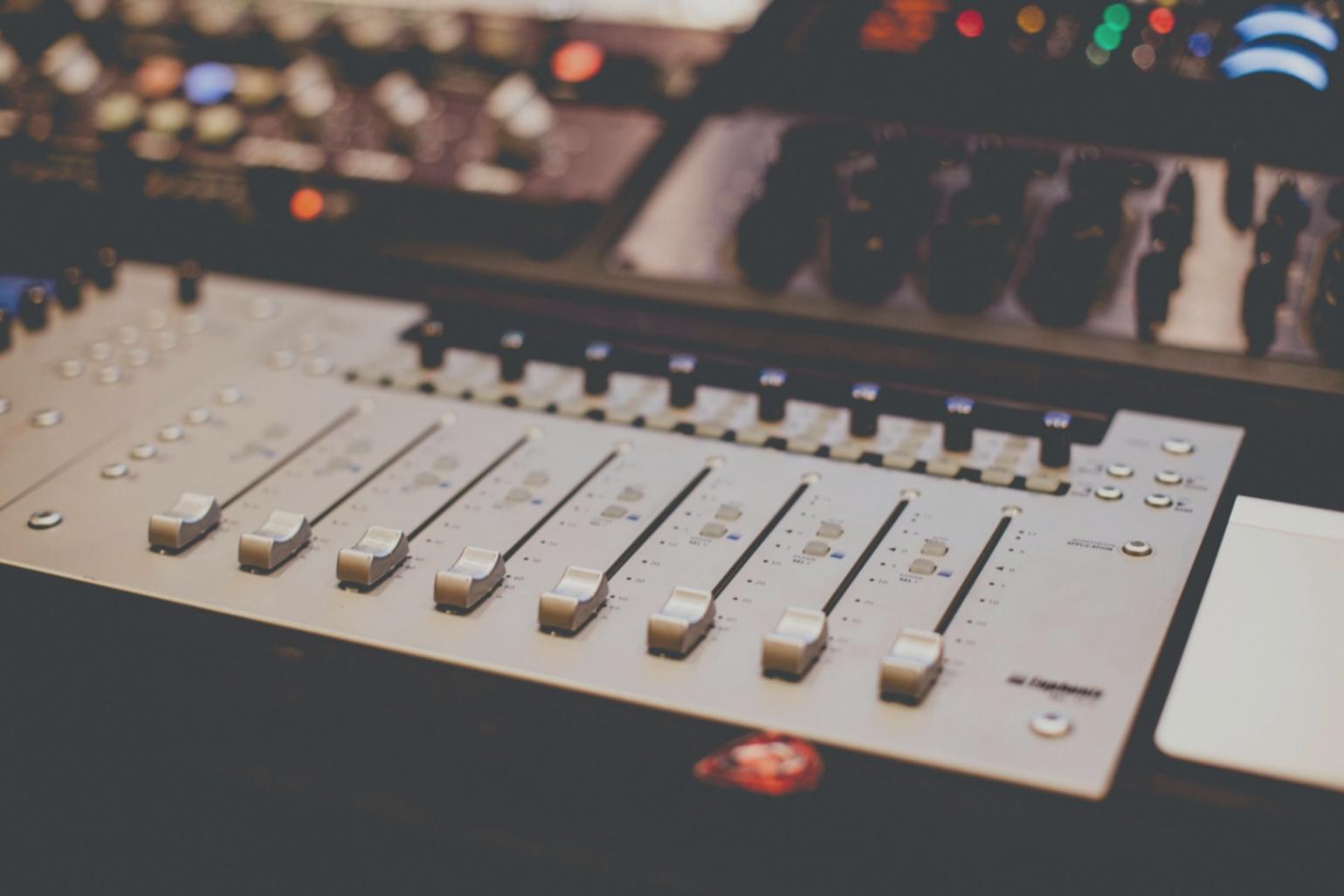
I switched to Ableton Live 11 Suite in early 2022, mostly because three different clients kept sending me Live project files and the constant back-and-forth through stems was eating my invoiceable hours. Eighteen months later, I've used it on everything from podcast intros to full album productions.
Here's what actually matters if you're billing by the hour.
The CPU Performance Reality
Live 11's CPU management is legitimately better than version 10. I run a 2019 MacBook Pro with 16GB RAM, nothing special. Projects with 40+ tracks and heavy plugin chains that would've caused dropouts in Live 10 now play smoothly. The freeze function works faster too, which matters when clients are sitting in your studio waiting.
However, Comping—the headline feature—turned out less useful than I expected. Most of my vocal recording happens in other DAWs because Live's comping workflow still feels awkward compared to Logic or Studio One. I've used it maybe six times total.
What Actually Saves Time
The new MIDI transform tools are genuinely helpful. The probability and randomization features let me add human variation to programmed drums in seconds instead of manually adjusting velocities. For corporate background music projects where I'm churning out tracks quickly, this probably saves me 20 minutes per song.
Hybrid Reverb sounds excellent and I use it on almost everything now. It's CPU-efficient enough that I can run multiple instances without freezing tracks. The convolution reverbs actually sound like real spaces, not that metallic digital sheen you get from cheaper algorithms.
The Expensive Question
Suite costs $749. If you're already producing in Live Standard and thinking about upgrading, ask yourself if you'll actually use Max for Live and the extra instruments. I use Wavetable constantly and Drift occasionally, but Operator and the drum machines mostly sit unused because I have third-party alternatives I prefer.
For someone starting fresh in music production as a freelancer, I'd probably recommend Standard ($449) first. Add Suite later if clients specifically need Max for Live compatibility or you find yourself limited by the instrument selection.
The upgrade makes sense if you're already profitable and spending 20+ hours weekly in Live. Otherwise, put that $300 difference toward better monitors or acoustic treatment.